01 / YOUR KINDWORLD ACCOUNT
Start with a KindWorld account.
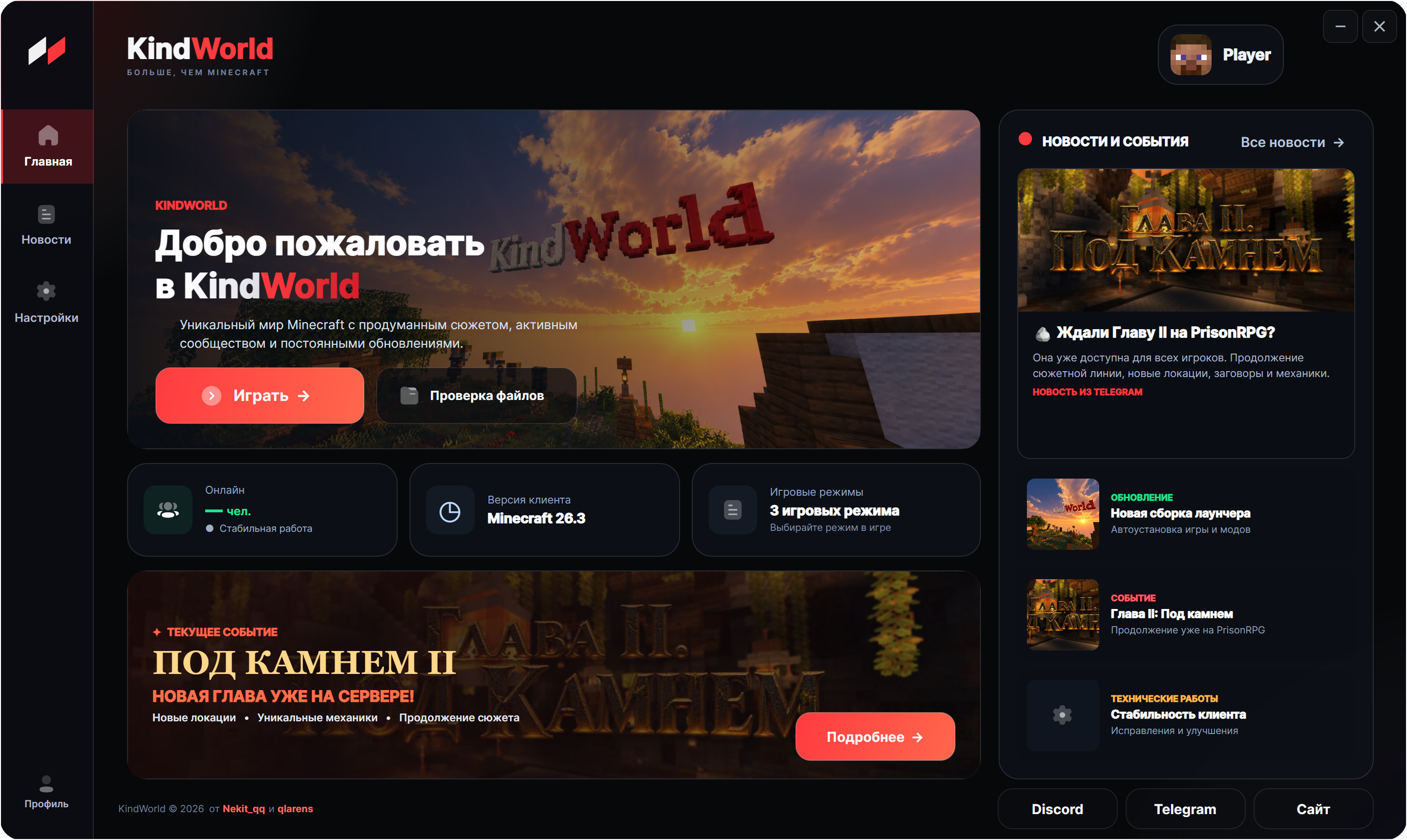
First, register on the website. Then install the launcher and sign in with the same nickname and password — all three modes are already inside.
Continue to installationKINDWORLD LAUNCHERWindows
YOUR PERFECT PASS
01 → 04 / KINDWORLD
From your account to your first launch
Register first, then install the launcher and join the game.
- FIRST STEP
Create an account
Register on the website: choose a nickname, enter your email and create a password. You will use these details to sign in to the launcher.
Download and install
Press the download button, open KindWorld-Launcher-Setup.exe on your Windows computer and follow the installer instructions.
Sign in to the launcher
Open KindWorld Launcher and enter your account nickname and password. The launcher downloads the required game files automatically.
Choose your world
GTM, PrisonRPG or Grief — select a mode in the launcher, press Play and join KindWorld.
EVERY WORLD WITHIN REACH
GTMPrisonRPGGrief